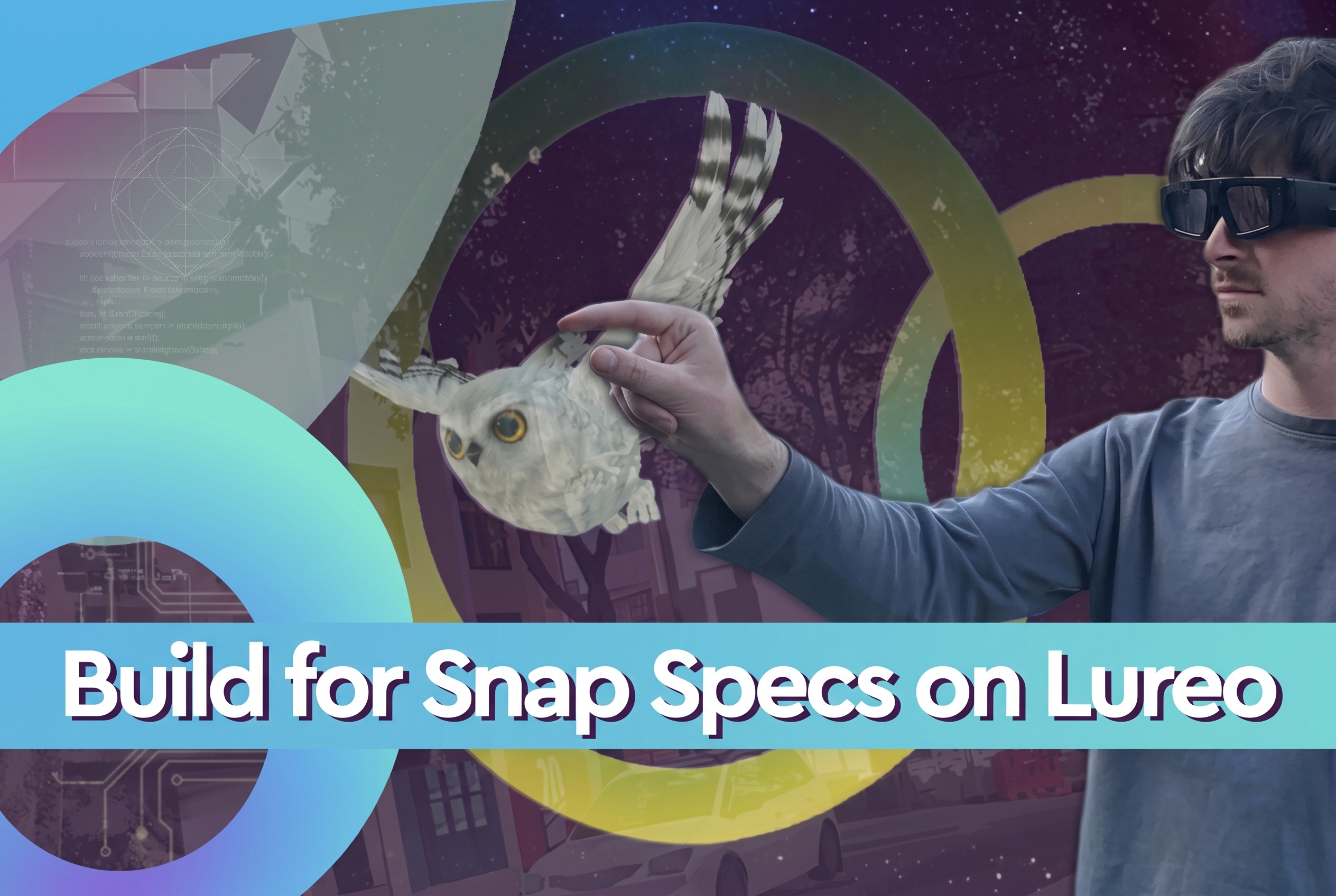



Place on Map is one of Lureo's location anchoring styles. Your content is pinned to a real spot in the world: a building, a street corner, a landmark and anyone who walks up to that location can see it through the Lureo app.
What can you build with it?
- Brand activations on storefronts or event spaces
- City guides and tourism experiences anchored to landmarks
- Public art installations visible only through mobile
- Educational content tied to the exact location where it happened
- Games and scavenger hunts spread across a neighbourhood or city
- Real estate previews showing buildings before they exist
Do you need to visit the location to build?
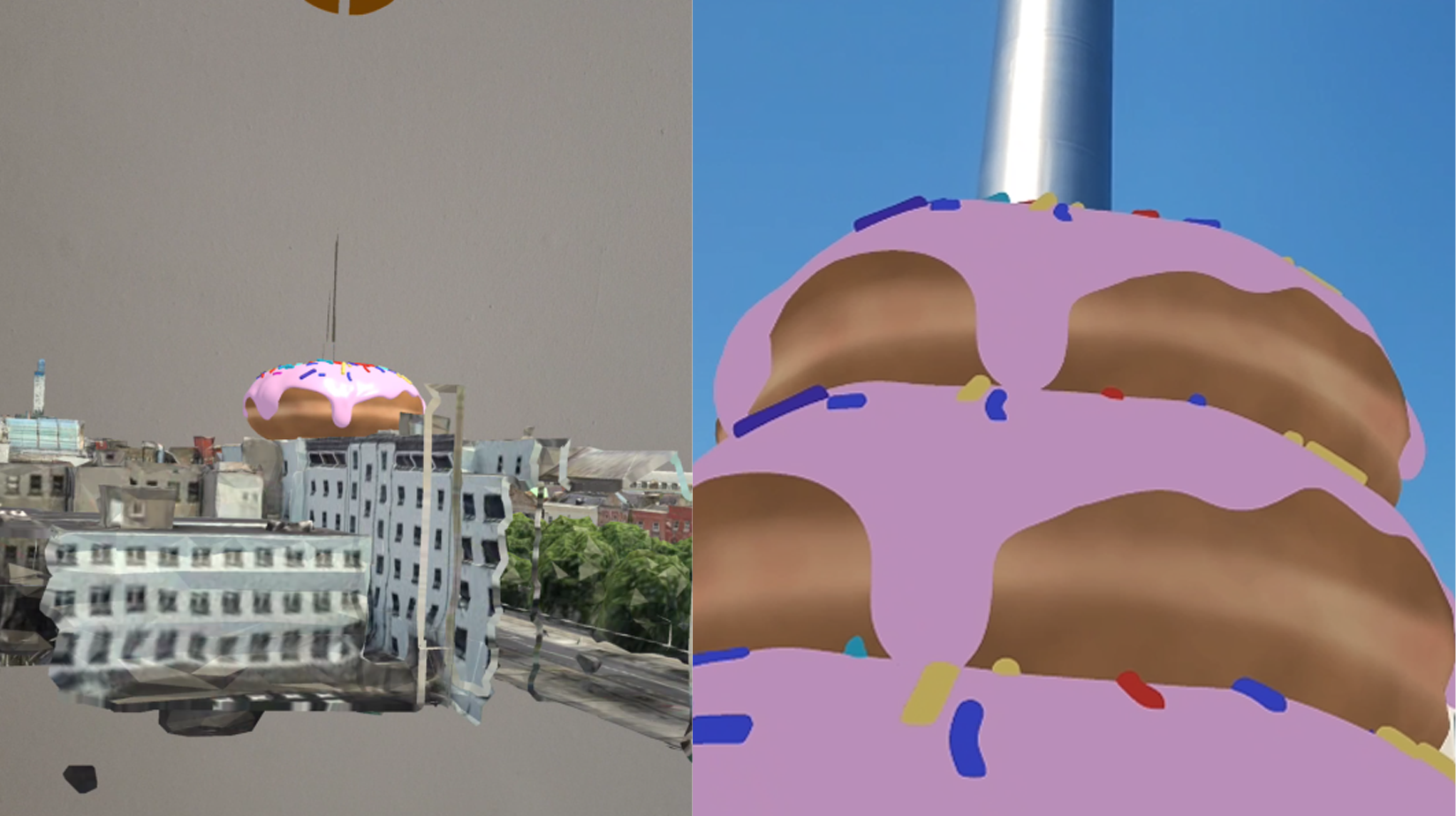
No. Lureo has Google built into the editor. Search for any location in the world, walk through it in the map, and place your content there without leaving your desk.
How to build your first Place on Map experience
1. Open the desktop editor Log in at lureo.com and open a new project.
2. Find your location Click the anchor icon and select Place on Map. Search for your location, navigate through Google and click Choose This Location.
3. Place your assets Drop 3D models, animations, images, or interactive elements onto real-world surfaces. Position, scale, and rotate everything with precision.
4. Add interactions Use Pop-Up User Prompts to guide people through the experience and tell your story.
5. Test it Use Test at Home to check everything in your room, or Test Onsite to preview at true-to-life scale at the actual location.
6. Publish and share Anyone with the Lureo app can walk up to that location and see your creation.
What makes a good Place on Map experience?
The content should belong to the place. If someone wonders why this exists here, you have already lost them.
Make the entry point obvious. People need to know where to stand and where to look.
Get the scale right. Too big or too small breaks the illusion immediately.
Frequently asked questions
What is the difference between Place on Map and Place Anywhere? Place Anywhere follows you wherever you go. Place on Map is fixed, only people at that specific location can see it.
Do users need a special device? No. Most modern smartphones support the Lureo app.
Is it expensive to produce? Lureo is a no-code platform, no technical skills needed. Accessibility is at the core of what we do.
Start building
Lureo is free for all creators. Open the desktop editor, click Place on Map, and build your first experience anywhere in the world.